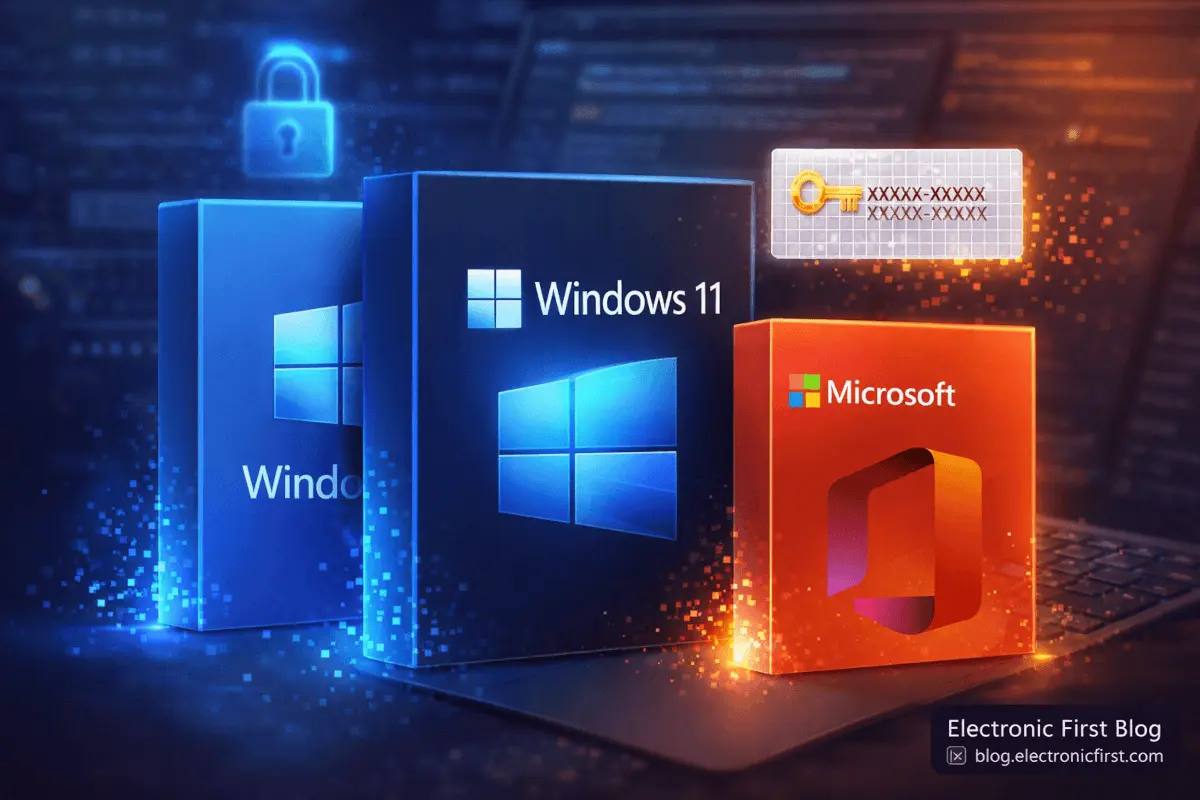
Looking for cheap software keys that actually work? Whether you need a Windows license to activate your new PC build or a Microsoft Office suite for work and school, you do not have to pay full retail price. Electronic First has delivered genuine software keys to over 396,000 customers worldwide — with instant delivery, a 100% money-back guarantee, and savings of up to 90% off retail. In this guide, we break down every Windows and Office key available, explain OEM vs. retail licensing, and help you pick the right product for your needs.
Why Buy Cheap Software Keys in 2026?
Software licensing can be expensive. A single copy of Windows 11 Pro carries a retail price tag that approaches three figures, and bundling it with Microsoft Office pushes the total even higher. For students, freelancers, small business owners, and anyone building or upgrading a PC, those costs add up fast.
That is where authorized digital key resellers come in. Platforms like Electronic First's software store source genuine product keys from verified distributors and pass the savings on to you. Because there is no physical packaging, shipping, or retail shelf space involved, prices drop dramatically — often by 80% to 90% compared to buying directly from Microsoft.
Every key you purchase is a perpetual license. That means you pay once and own it forever. There are no recurring subscription fees, no annual renewals, and no surprise charges. You get the full product, activated on your Microsoft account or hardware, for life.
Windows Keys Breakdown — Which Version Do You Need?
Choosing the right Windows edition depends on what you plan to do with your PC. Below is a clear breakdown of the four most popular options available at Electronic First.
Windows 10 Pro
Windows 10 Pro remains one of the best-selling software keys on the platform, with over 412,000 units sold. It includes everything in Windows 10 Home plus business-grade features that power users and professionals rely on.
BitLocker encryption — full-disk encryption to protect sensitive data
Remote Desktop — connect to your PC from anywhere
Hyper-V virtualization — run virtual machines natively
Group Policy management — fine-grained control over system settings
Windows Sandbox — test untrusted software in an isolated environment
Best for: Freelancers, developers, IT professionals, small business owners, and anyone who needs encryption or remote access.
Windows 10 Home
Windows 10 Home is the standard edition for everyday use. It supports all mainstream applications, gaming, web browsing, and media consumption without the enterprise features you may never need.
Full DirectX 12 support for gaming
Microsoft Store access and app compatibility
Windows Security with built-in antivirus
Cortana and virtual desktop support
Best for: Home users, casual gamers, students, and anyone who wants a reliable, affordable operating system.
Windows 11 Pro
Windows 11 Pro is the latest generation with a redesigned interface, improved multitasking through Snap Layouts, and tighter security via TPM 2.0 and Secure Boot. The Pro edition adds the same business tools found in Windows 10 Pro.
Modern, centered Start Menu and Taskbar redesign
Snap Layouts and Snap Groups for multitasking
BitLocker, Remote Desktop, and Hyper-V included
DirectStorage for faster game load times
Android app support via Amazon Appstore
Best for: Users with newer hardware (TPM 2.0 required) who want the latest features, enhanced security, and professional tools. Over 213,000 units sold on Electronic First.
Windows 11 Home
Windows 11 Home delivers the same refreshed design and performance improvements as Windows 11 Pro, minus the business features. It is the ideal upgrade for home users on compatible hardware.
All the Windows 11 design and usability improvements
Widgets, Teams integration, and improved touch support
Auto HDR and DirectStorage for gaming
Windows Security suite built in
Best for: Home users and gamers upgrading from Windows 10 who want Microsoft's latest OS without needing Pro-level features.
Windows 10 vs. Windows 11 — Quick Comparison
Feature | Windows 10 | Windows 11 |
|---|---|---|
Interface | Classic Start Menu (left-aligned) | Centered Start Menu, rounded corners |
Hardware Requirement | Broad compatibility (older PCs supported) | TPM 2.0 and Secure Boot required |
Gaming | DirectX 12 | DirectX 12, DirectStorage, Auto HDR |
Multitasking | Virtual Desktops, Snap Assist | Snap Layouts, Snap Groups |
Support Lifecycle | Mainstream support until Oct 2025 (extended security updates available) | Active development and updates through 2030+ |
Pro Features | BitLocker, Remote Desktop, Hyper-V | Same Pro features + enhanced security |
Our recommendation: If your hardware supports it, go with Windows 11 for longer support and modern features. If you have an older PC or prefer a tried-and-tested interface, Windows 10 remains an excellent choice — and it is often even cheaper.
Microsoft Office Keys Breakdown
Microsoft Office is the productivity standard for students, professionals, and businesses. Electronic First offers several Office editions at deep discounts. Here is what each one includes and who it is designed for.
Microsoft Office 2019 Professional Plus
Office 2019 Professional Plus is the most comprehensive one-time purchase Office suite available at Electronic First. It is the go-to choice for professionals who need the full toolkit.
Includes: Word, Excel, PowerPoint, Outlook, Access, Publisher, OneNote, Skype for Business
License type: Perpetual (pay once, own forever)
Platform: Windows PC only
Updates: Security and stability patches for the product's supported lifetime
Best for: Business users, accountants, data analysts, and anyone who needs Access and Publisher alongside the core Office apps.
Office Home & Student 2016
Office Home & Student 2016 is a budget-friendly option that covers the essentials for schoolwork and personal projects.
Includes: Word, Excel, PowerPoint, OneNote
License type: Perpetual
Platform: Windows PC
No Outlook: If you need email, consider the Professional or Home & Business edition
Best for: Students, home users, and anyone who only needs the core document, spreadsheet, and presentation tools.
Office Home & Business 2016 for Mac
Mac users are not left out. Office Home & Business 2016 for Mac brings the full productivity suite to macOS with Outlook included.
Includes: Word, Excel, PowerPoint, OneNote, Outlook
License type: Perpetual
Platform: macOS only
Best for: Mac users who need Outlook for email management alongside the standard Office applications.
Microsoft Outlook 2021 (1 PC)
Need email management without the full Office suite? Microsoft Outlook 2021 is available as a standalone purchase. This is the latest perpetual version with an updated interface, improved search, and better calendar integration.
Best for: Users who already have Word, Excel, and PowerPoint but need a dedicated email and calendar client.
Microsoft Project Professional 2019
For project managers and team leads, Microsoft Project Professional 2019 provides enterprise-grade planning tools at a fraction of the retail cost.
Gantt charts, task scheduling, and resource allocation
Built-in reporting and timeline views
Integration with Microsoft Teams and SharePoint
Perpetual license — no subscription needed
Best for: Project managers, operations teams, and businesses managing complex timelines and deliverables.
OEM vs. Retail Keys — What Is the Difference?
When shopping for cheap software keys, you will notice two license types: OEM and Retail. Understanding the difference ensures you pick the right one for your situation.
OEM Keys
Tied to hardware: An OEM key binds to the motherboard of the first PC it is activated on. If you replace the motherboard, the key cannot transfer.
Lower price: OEM keys are typically the cheapest option because they are intended for system builders.
Same functionality: The software itself is identical to the retail version. You get the same features, updates, and security patches.
Cannot reinstall on new hardware: If your motherboard fails or you build a new PC, you will need a new key.
Retail Keys
Tied to your Microsoft account: A retail key binds to your Microsoft account, not your hardware. You can transfer it to a new PC.
Reinstall-friendly: Wipe your drive, upgrade your motherboard, or build an entirely new system — deactivate on the old device and reactivate on the new one.
Slightly higher price: The transferability comes at a modest premium, but still far below Microsoft's direct pricing.
Which Should You Choose?
Scenario | Recommended Key Type |
|---|---|
Building a PC you plan to keep for years | OEM (lowest price, same features) |
Frequent upgrader or PC builder | Retail (transferable to new hardware) |
Laptop user | OEM (motherboard rarely changes) |
Business with rotating hardware | Retail (flexibility to reassign licenses) |
Both types deliver the full, genuine Windows or Office experience. The only difference is how the license is bound.
How to Buy and Activate Your Software Key
The process is straightforward and takes just a few minutes. Here is how it works on Electronic First.
Choose your product — Browse the software category and select the Windows or Office key you need.
Complete checkout — Pay securely using your preferred payment method. Electronic First accepts credit cards, PayPal, and other regional options.
Receive your key instantly — Your product key is delivered to your email and account dashboard within seconds. No waiting for physical delivery.
Activate on your PC — For Windows, go to Settings > System > Activation and enter your product key. For Office, open any Office app, click Activate, and enter the key when prompted.
Done — Your software is fully activated and ready to use. Retail keys also appear under your Microsoft account for future reinstalls.
The entire process from purchase to activation typically takes under five minutes. If you run into any issues, Electronic First offers 24/7 live support to help you through the process.
Why Choose Electronic First for Cheap Software Keys?
There are many places to buy software keys online, but not all of them are trustworthy. Here is why over 396,000 customers have chosen Electronic First.
Trustpilot Rated Excellent — With 85,278+ reviews and an Excellent rating on Trustpilot, Electronic First is one of the most trusted digital key retailers in the market.
Instant delivery — Keys arrive in your inbox within seconds of purchase. No waiting, no shipping delays.
100% money-back guarantee — Every purchase is protected. If something goes wrong, you get your money back.
24/7 live support — Real human support available around the clock, not just a chatbot.
Verified distributors — All keys are sourced from authorized and verified distributors.
Perpetual licenses — Pay once, own forever. No hidden subscription fees.
Massive selection — Beyond software, Electronic First stocks game keys, gift cards, subscriptions, and more across every major platform.
When you are spending money on software that powers your daily work or gaming, buying from a retailer with a proven track record matters. Electronic First has built that reputation over hundreds of thousands of successful transactions.
Frequently Asked Questions
Each software license is valid for one PC unless the product listing explicitly states otherwise. If you need to activate Windows or Office on multiple machines, you will need to purchase a separate key for each device. Always check the product description on the store page for specific licensing terms.
Final Verdict — Which Cheap Software Key Should You Buy?
The right choice depends entirely on your needs and hardware. Here is a quick decision guide.
Budget home user or student: Windows 10 Home + Office Home & Student 2016 — the most affordable combination that covers all the basics.
Professional or power user: Windows 11 Pro + Office 2019 Professional Plus — full feature set for work, development, and data management.
Mac user: Office Home & Business 2016 for Mac — the only Mac-specific Office bundle with Outlook included.
Project manager: Microsoft Project Professional 2019 — enterprise planning tools without the enterprise price tag.
Gamer building a new rig: Windows 11 Home or Pro with an OEM key for the lowest possible price.
No matter which product you choose, you are getting a genuine, perpetual license at a fraction of the retail cost. With instant delivery, 24/7 support, and a money-back guarantee, Electronic First makes it easy to get the software you need without overpaying. Browse the full software collection and check current prices today.
Engr Mejba Ahmed
Software engineer, AI developer & AWS-certified cloud practitioner (CLF-C02). Writes about PC games, Xbox, PlayStation, software deals, and digital products at Electronic First Blog — turning technical know-how into practical buying advice.