Electronic First Blog
  • Home
  • About
  • Featured
  • Playstation
  • Game Reviews
  • Now Trending

Electronic First Blog

  • About Us
  • Trustworthy
  • legit
  • Privacy Policy
  • Terms & Conditions
  • Return and Refund Policy

Popular Categories

  • Featured
  • Game Reviews
  • Game Walkthrough
  • Playstation
  • Now Trending

Software

  • All Software
  • Anti-Virus
  • 1 PC Bundles
  • Bulk Bundles

Top Deals

  • Spotify 1-month Premium Account
  • Rust PC Steam Preloaded Account
  • Xbox Game Pass Ultimate – 1 month US (Non-Stackable)
Electronic First Blog

© 2025 Electronic First Blog. All rights reserved.

TOP
  1. Home
  2. Categories
  3. Windows
Category

Windows

16 posts

Explore our latest articles about windows

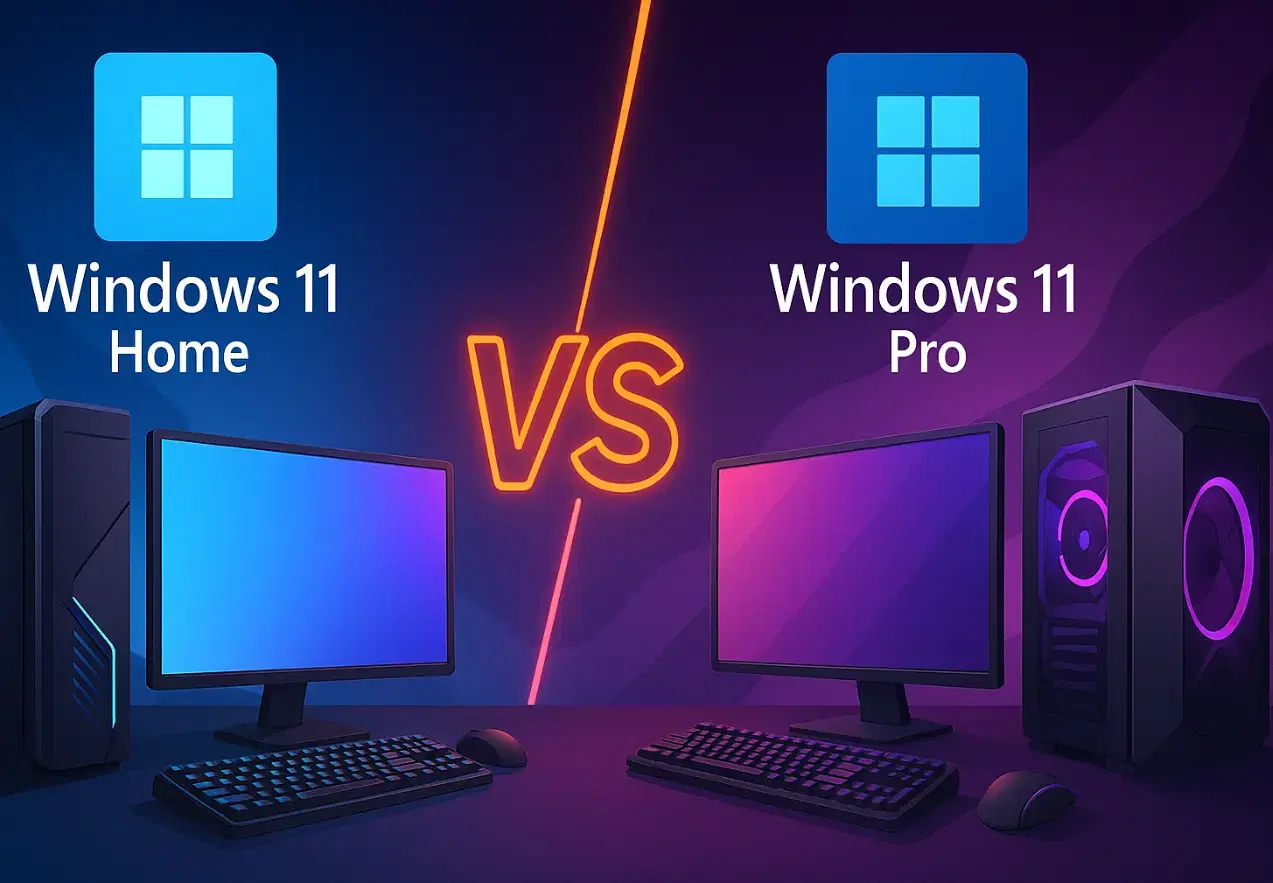
Windows 11 Home Vs Pro For Gaming - Differences Explained
WindowsDec 1, 2025

Windows 11 Home Vs Pro For Gaming - Differences Explained

It may confuse you when you are going to choose between Windows 11 Home and Windows 11 Pro, especially for gamers who just want smooth gameplay and maximum performance. Many users wonder if spending extra on the Pro edition gives them higher FPS, better graphics, or faster loading times.

The truth is, both editions are built on the same Windows core and deliver identical gaming performance in most cases. However, subtle differences in features, system control, and security may influence your choice depending on how you play, stream, or manage your PC.

This detailed comparison explains everything you need to know about Windows 11 Home vs Pro for gaming, from performance and hardware support to pricing, security tools, and gamer-specific advantages.

Windows 11 Home vs Pro for Gaming Features Comparison

Category

Windows 11 Home

Windows 11 Pro

Target Users

Casual gamers, general users

Streamers, professionals, eSports players

CPU Support

1 CPU, up to 64 cores

2 CPUs, up to 128 cores

RAM Limit

128 GB

2 TB

Gaming Performance (FPS, Latency)

Identical to Pro

Identical to Home

Security Features

Device Encryption

BitLocker Encryption, Windows Information Protection

Remote Access

Limited

Full Remote Desktop

Group Policy Control

Not available

Available

Hyper-V Virtualization

No

Yes

Price (Retail)

Around $139

Around $199

Best For

Most gamers

Advanced users, streamers, and mixed-use PCs

Performance and FPS

When it comes to frame rates, system speed, or graphics quality, there’s no measurable difference between Windows 11 Home vs Pro for gaming. Both editions use the same kernel and DirectX 12 Ultimate framework.

Performance and FPS

Games load, render, and perform identically. Whether you’re playing Cyberpunk 2077 or Call of Duty, your GPU, CPU, and SSD matter far more than your Windows edition.

In multiple benchmark tests, FPS remained within a 1–2 frame margin, which is negligible. So, if your only concern is raw gaming performance, Windows 11 Home will give you the same result as Pro.

However, the Pro edition provides more administrative controls that may help advanced users fine-tune background services, update policies, and network bandwidth, things that can indirectly improve gaming consistency on managed systems.

Hardware Support and Scalability

Hardware Support and Scalability

The first major difference between Windows 11 Home vs Pro for gaming lies in hardware capacity.

CPU and Core Support

Windows 11 Home supports one CPU socket with up to 64 cores. Windows 11 Pro doubles that, supporting two CPUs and up to 128 cores.

For most gamers, this distinction doesn’t matter. Games rely more on clock speed and GPU performance than total core count. But for creators who stream, render videos, or run servers while gaming, Pro’s additional CPU support can be valuable.

RAM Capacity

Windows 11 Home maxes out at 128 GB of RAM, while Pro supports a staggering 2 TB. Again, this is overkill for typical gaming, since most modern games perform best with 16–32 GB.

Yet, for high-end workstations or professionals combining gaming with video editing or virtual machines, the higher limit on Pro could be a long-term advantage.

System Control and Customization

System Control and Customization

Another key factor in Windows 11 Home vs Pro for gaming is control.

Windows 11 Home hides many of the deeper system management tools by default. Windows 11 Pro gives you full access to Group Policy Editor, Local Security Policy, and Device Management settings.

With these tools, you can:

  • Disable automatic driver updates (useful when NVIDIA or AMD releases unstable drivers).

  • Delay Windows feature updates that might interfere with game performance.

  • Control background services that consume CPU and memory.

While Home users can achieve some of this through registry edits or PowerShell, the process is more complex. For power users who like tweaking every detail, Pro gives much more flexibility.

Security and Data Protection

Security may not directly affect your FPS, but it does impact your peace of mind.

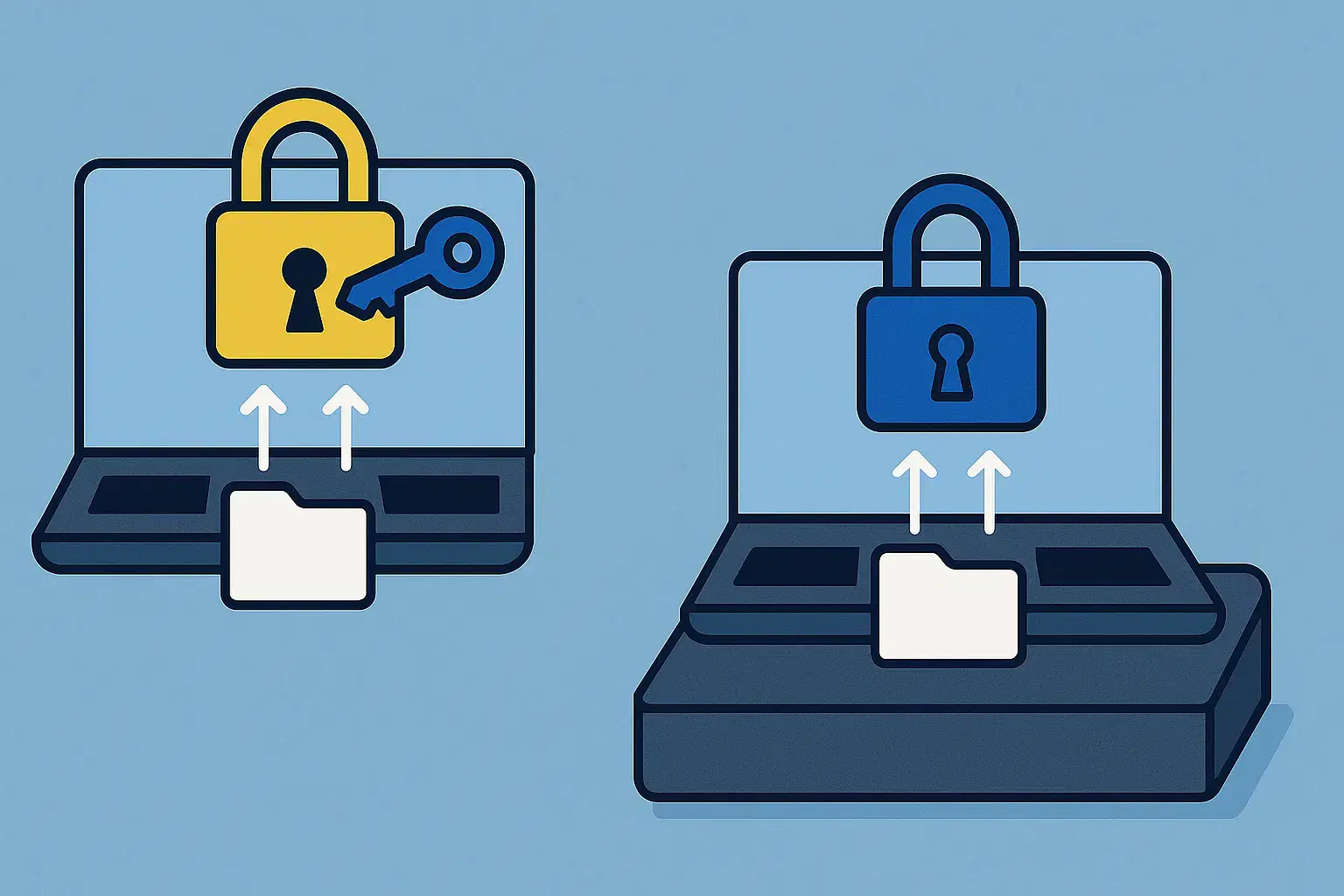
Windows 11 Pro includes BitLocker, Microsoft’s advanced full-disk encryption tool. BitLocker protects your files if your PC or SSD is stolen by making all stored data unreadable without your encryption key.

Windows 11 Home offers Device Encryption, which is similar but less customizable. For casual gamers, it’s enough. But if you use your gaming PC for work or store sensitive data, BitLocker provides better protection and integration with Windows Hello and TPM.

For professionals or traveling gamers using laptops, Pro’s BitLocker can be a real advantage.

Virtualization and Testing

Gamers who like experimenting with mods, emulators, or beta versions of games may appreciate Pro’s Hyper-V virtualization feature. It allows you to create a virtual environment, essentially a second PC, for testing software or games safely.

Windows 11 Home doesn’t include Hyper-V. Though third-party virtual machines like VirtualBox can fill the gap, Hyper-V integrates seamlessly and runs faster on Windows.

For developers, testers, or content creators, this can be a practical reason to go Pro.

Remote Gaming and Work

Remote Gaming and Work - Windows 11 Home Vs Pro For Gaming

Another difference between Windows 11 Home vs Pro for gaming lies in remote access.

Windows 11 Pro includes Remote Desktop, which lets you connect to your PC from anywhere securely. This is useful if you want to launch a download, manage updates, or stream content remotely.

Home users can only act as clients, meaning they can connect to another computer but can’t host one. If you travel frequently or manage multiple gaming rigs, the Remote Desktop feature in Pro adds convenience.

Gaming-Specific Enhancements in Windows 11

Regardless of which edition you choose, both offer the same gaming technologies that make Windows 11 superior to previous versions.

DirectStorage

Exclusive to Windows 11, DirectStorage allows games to load assets directly from your NVMe SSD to the GPU, reducing CPU bottlenecks and improving loading times dramatically.

Auto HDR

Windows 11 automatically enables High Dynamic Range for supported games, boosting color depth and contrast for more vivid visuals.

Xbox Integration

Both Home and Pro versions include the Xbox app and Game Pass integration, letting you stream or download hundreds of titles easily.

Game Mode

This feature automatically prioritizes your game’s CPU and GPU usage, suspending unnecessary background processes to ensure smoother performance.

In short, Windows 11 Home vs Pro for gaming makes no difference in these built-in features, they’re identical across editions.

Price and Value

Cost is often the deciding factor.

Edition

Retail Price (Approx.)

Upgrade Cost

Windows 11 Home

$139

—

Windows 11 Pro

$199

$99 upgrade from Home

If you start with Home and later decide you need Pro’s features, Microsoft allows you to upgrade by paying the difference.

For pure gaming purposes, Home provides the same experience. For gamers who stream, use multiple monitors, or want advanced management tools, Pro’s added cost can make sense long-term.

Power and Battery Optimization

Power and Battery Optimization

Both editions manage power the same way during gameplay. Game Mode automatically shifts system resources toward your active game, minimizing background apps and services.

However, Pro offers more advanced power policies under Group Policy Editor, useful for laptops or systems balancing performance and battery life.

For gaming desktops, you’ll rarely notice any difference.

Which One Is Better for Gaming?

If you’re comparing Windows 11 Home vs Pro for gaming, the choice comes down to your use case.

Windows 11 Home

  • Best when you want to play games casually or competitively without streaming or virtualization.

  • If you’re looking to save money without losing FPS.

  • You don’t need BitLocker or Group Policy management.

Windows 11 Pro

  • When you stream, multitask, or run multiple PCs or monitors.

  • You handle sensitive work data or want better encryption.

  • If you want to use advanced settings like Remote Desktop, Hyper-V, or custom update control.

For 95% of gamers, Windows 11 Home is perfect. But if you like complete control and security, Pro is the smarter long-term investment.

If you want the best balance of performance, cost, and security, start with Windows 11 Home. It delivers everything modern games need.

But if you plan to grow your setup with streaming, virtualization, or professional multitasking, Windows 11 Pro provides more control, protection, and scalability without sacrificing performance.

Wrapping Up!

For gaming performance alone, both editions are identical. The choice depends on your needs beyond gaming, control, customization, and data protection.

For gamers who simply want plug-and-play fun, Windows 11 Home is the obvious pick. For those who use their rig for both gaming and work, Windows 11 Pro’s extra features justify the cost.


You can also buy Windows 11 Home or Pro Keys from Electronic First at unbeatable prices. Activate your genuine retail key instantly and enjoy features like BitLocker encryption, Remote Desktop, and DirectStorage support. Get secure, fast delivery with 24/7 assistance, start gaming smarter and safer today.

FAQs

1. Is there any FPS difference between Windows 11 Home and Pro?

Both editions perform identically. Your GPU, CPU, and RAM determine your FPS, not the Windows version.

2. Does Windows 11 Pro use more resources than Home?

Both of these windows versions use the same resources. Pro simply unlocks more administrative tools and business features.

3. Can I upgrade from Windows 11 Home to Pro later?

You can upgrade anytime by purchasing a Pro key from Microsoft or trusted retailers like Electronic First.

5. Which edition is better for streamers or eSports players?

Pro offers more flexibility for managing updates, security, and remote access. Pro is more suitable for serious creators or competitors.

Zaryab Shafiq
Zaryab Shafiq
Read more
Why Should You Prefer BitLocker Over Third-Party Encryption?
WindowsNov 11, 2025

Why Should You Prefer BitLocker Over Third-Party Encryption?

BitLocker offers full-disk encryption built into Windows Pro and Enterprise editions. This article explains why BitLocker is more safe and easy to use than third-party encryption tools with less cost.
Zaryab Shafiq
Zaryab Shafiq
Read more
Difference Between Windows OEM vs Retail
WindowsNov 4, 2025

Difference Between Windows OEM vs Retail

Not sure which Windows license to buy? This guide breaks down the difference between Windows OEM vs Retail, explaining activation, pricing, transfer rights, and support so you can choose the right version for your PC with confidence.
Zaryab Shafiq
Zaryab Shafiq
Read more
How To Make Windows 11 Look Like Windows 10?
WindowsOct 29, 2025

How To Make Windows 11 Look Like Windows 10?

Upgraded to Windows 11 but miss the look and feel of Windows 10? Learn quick ways to restore the familiar layout, left-aligned taskbar, classic Start menu, File Explorer tweaks, and more, using built-in settings and trusted tools.
Zaryab Shafiq
Zaryab Shafiq
Read more
Microsoft 365 and Office 2024 – Which One Is Best For You?
WindowsSep 24, 2025

Microsoft 365 and Office 2024 – Which One Is Best For You?

Choosing between Microsoft 365 and Office 2024 is one of the most common decisions for  everyone. Students, IT professionals as well as businesses looking to standardize their productivity software, always look for suitable productivity software.  Microsoft 365 and Office 2024, both offer access to Word, Excel, PowerPoint, and Outlook. They differ in the way you
Zaryab Shafiq
Zaryab Shafiq
Read more
Windows 10 Vs. Windows 11 – Should You Upgrade Now?
WindowsSep 22, 2025

Windows 10 Vs. Windows 11 – Should You Upgrade Now?

If your PC meets Windows 11’s requirements, you should at least consider upgrading. There’s no doubt that Windows 11 brings stronger security defaults with a cleaner interface and better window management along with the newest AI features on Copilot and Copilot+ PCs.  Windows 10 remains stable and familiar, but mainstream security updates end on October
Zaryab Shafiq
Zaryab Shafiq
Read more
Windows 11 Home Vs Windows 11 Pro – Which Edition Is Right For You?
WindowsSep 17, 2025

Windows 11 Home Vs Windows 11 Pro – Which Edition Is Right For You?

When you are looking to choose between Windows 11 Home and Windows 11 Pro, you should always consider the following aspects: Because both editions share the same interface and a similar app ecosystem with identical core performance.  However, the core differences between two versions are: In this in-depth comparison, you will find the suitable one
Zaryab Shafiq
Zaryab Shafiq
Read more
What Is Safe Mode Windows 11? Explained
WindowsJul 31, 2025

What Is Safe Mode Windows 11? Explained

RRP $99.99 Price At EF $5.75 Price Comparison There’s a rescue tool built-in Windows 11 to save you from unwanted freezes and when you’re unable to boot. It’s called Safe Mode. The function of Safe Mode Windows 11 is to help load your system in a stripped-down state. Safe Mode operates by shutting down all
Zaryab Shafiq
Zaryab Shafiq
Read more
How To Activate Microsoft Office 2024 Professional Plus
WindowsJan 29, 2025

How To Activate Microsoft Office 2024 Professional Plus

RRP $99.99 Price At EF $10.99 Price Comparison Microsoft Office 2024 Professional is a new suite that offers powerful tools for users. Many people seek a clear method for activating its features. You do not want delays or unhelpful guides. This blog offers three solid approaches. Each path is direct, tested, and easy for legitimate
Zaryab Shafiq
Zaryab Shafiq
Read more
When is Delta Force: Hawk Ops Coming Out?
FeaturedAug 21, 2024

When is Delta Force: Hawk Ops Coming Out?

Delta Force is one of the most beloved FPS series that was extremely popular during the early 2000s. However, over the years, few to no games were made in this series. Now you can see why everyone is shocked to see Delta Force: Hawk Ops coming out of nowhere. Yet the game is set to
Zaryab Shafiq
Zaryab Shafiq
Read more
Norland: Release Date, Platforms, Price, and More
FeaturedJul 10, 2024

Norland: Release Date, Platforms, Price, and More

Developed by Long Jaunt, Norland is an exciting medieval colony sim. In this game, players get to lead their noble family while going up against several challenges. These include class conflict, political betrayal, religious issues, etc. Norland features a huge city with various characters from all the different classes in the game. Norland is inspired
Zaryab Shafiq
Zaryab Shafiq
Read more
Which Windows 10 Version is Best For You?
FeaturedMay 18, 2023

Which Windows 10 Version is Best For You?

Microsoft has launched multiple versions of Windows over the years, and updating to the current generation is rarely as simple as it appears. In reality, there are numerous versions, or “editions,” of Windows 10 to examine before making a selection. Each edition has its unique set of features, ensuring that you get the best match
Kristine Tacud
Kristine Tacud
Read more
Windows 11/10 Activation Key Not Working? 12 Tips To Fix
FeaturedMar 1, 2023

Windows 11/10 Activation Key Not Working? 12 Tips To Fix

Users can activate their Windows operating system using the Windows Activation Key, a special string of characters. In addition to ensuring that the program is being used in compliance with the license agreement, it acts as a way to confirm the legitimacy of a copy of Windows. This article will go through the Windows Activation
Kristine Tacud
Kristine Tacud
Read more
10 Reasons why Windows 11 is Better than Windows 10
WindowsJul 1, 2022

10 Reasons why Windows 11 is Better than Windows 10

Some users prefer to stick to their previous version of Windows 10. The reason could be any for they don’t want to upgrade simply. It is possible for your Windows 10 PC to not upgrade to Windows 11 if you don’t like changing your setup.  It is not to blame yourself if you are hesitant
Zaryab Shafiq
Zaryab Shafiq
Read more
Windows 10 vs Windows 11
WindowsJan 11, 2022

Windows 10 vs Windows 11

Microsoft recently launched its new operating system Windows 11 as an advancement to Windows 10. The latest operating system is praised for its improved design and performance. However, both the operating systems are quite similar in several ways.  Since its release in 2021, Windows 11 has been the talk of the town for many computer
Zaryab Shafiq
Zaryab Shafiq
Read more
Page 1 of 2